
Download TrackerPlus
TrackerPlus
for desktop.
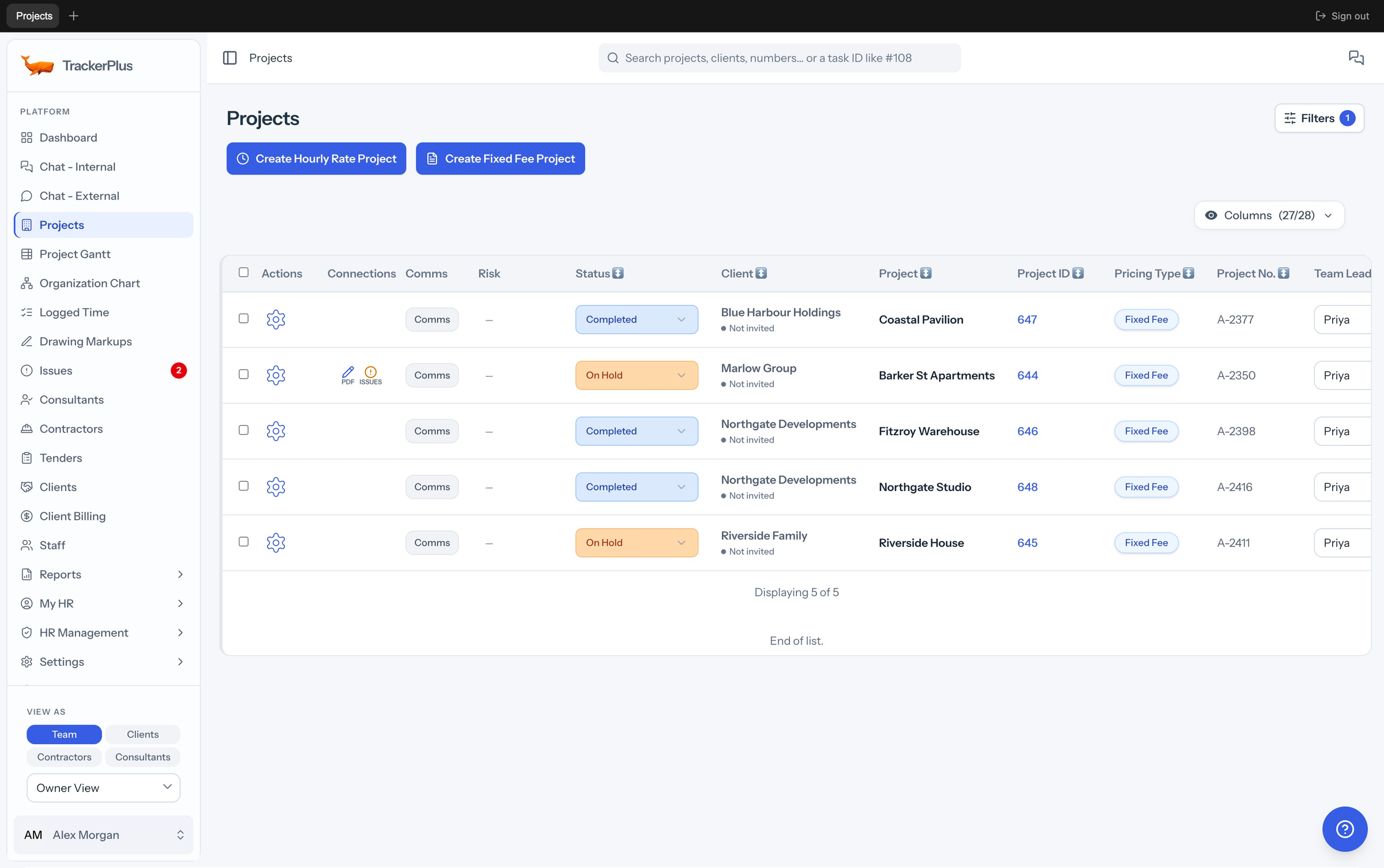
Your projects, drawings and team. One app, ready for the working day.
Windows 10 / 11 Mac installation help
Included with your TrackerPlus account
TrackerPlus for mobile
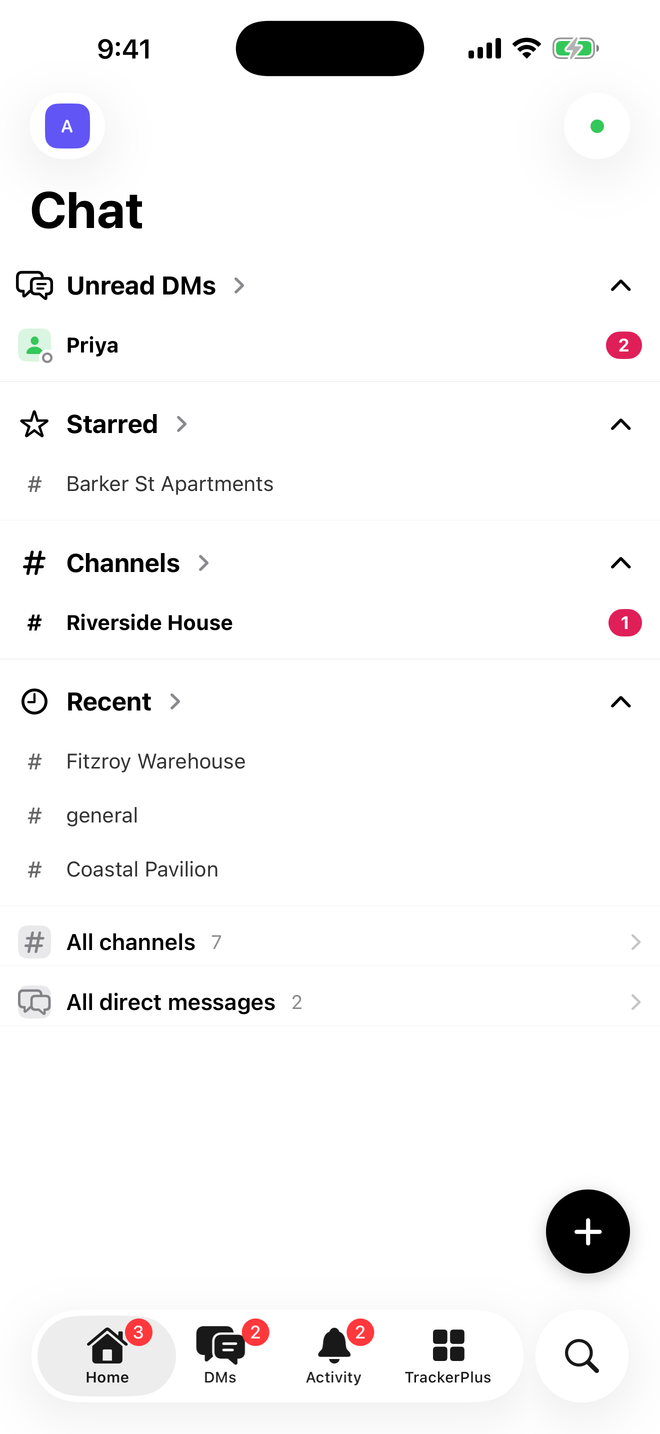
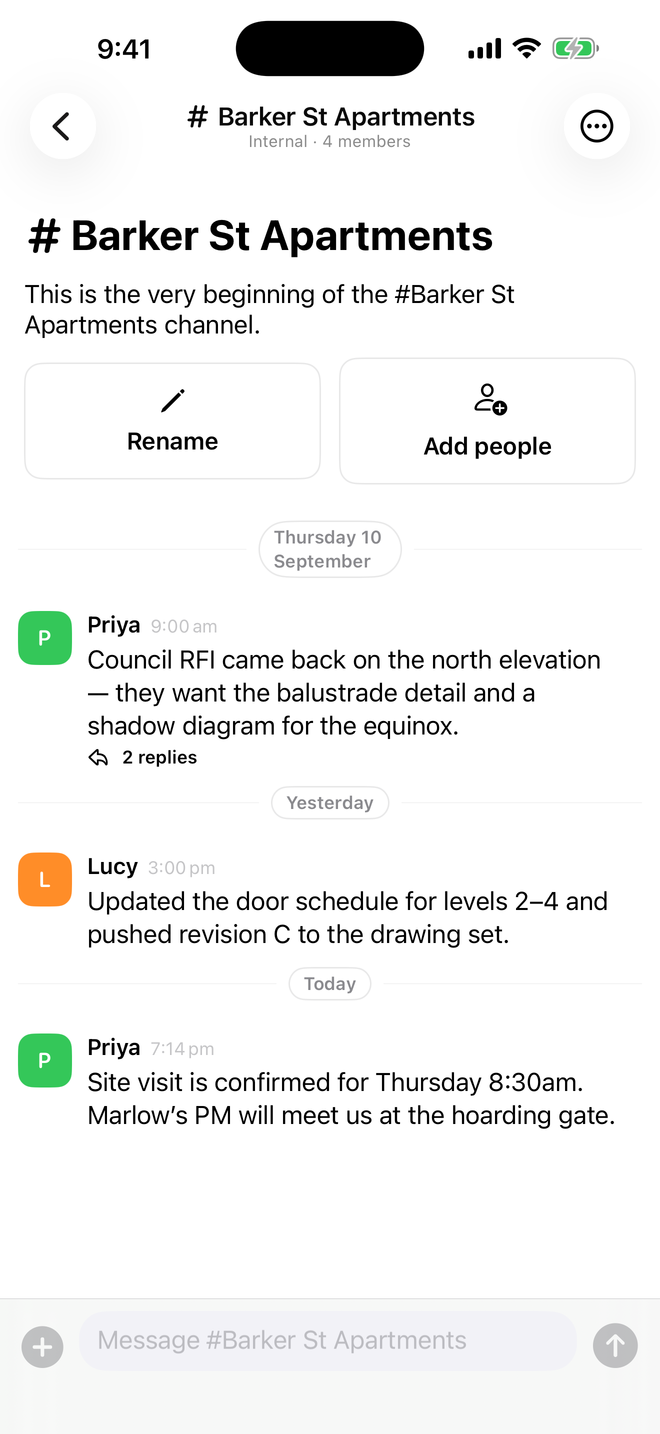
Take your team
with you.
Share a site photo. Check a drawing. Keep the conversation going. Your team is with you, wherever the day takes you.

For iPhone & Android. Sign in with your usual account.
 Lightweight Timer
Stay in your drawing.
Keep time as you go.
Just your tasks and a timer, tucked beside Revit, AutoCAD or whatever you work in. Every hour goes straight to the right task in TrackerPlus.
Windows 10 / 11 macOS Task list & timer only
See how time tracking worksGetting started
Download. Sign in.
Get back to work.
Use your usual TrackerPlus login. Your apps and browser connect to the same workspace.
Sign in to your accountWhich app should I choose?
Choose the Desktop App for the full workspace, the mobile app for chat and site work, or the Lightweight Timer for assigned tasks and time tracking while you draw. You can use all three with the same account.
Installing on a Mac
The current Mac build is not notarised. On first launch, right-click the app and choose Open. After that, it opens normally.
How do app updates work?
The desktop apps check for updates automatically. Restart the app when an update is ready. Mobile updates come through the App Store or Google Play.
My download isn’t available
An installer or store link may not be published for this site yet. You can still use the full TrackerPlus workspace in your browser. Open TrackerPlus
One account. Every part of your day.
Your workspace.
Wherever work takes you.
All of TrackerPlus is available in your browser, too.
Android robot reproduced from Google under the Creative Commons Attribution 3.0 license.